Direct to Consumer, Food Network, Warner Bros. Discovery (previously Discovery, Inc.)
The opportunity
Inspiration was only the beginning.
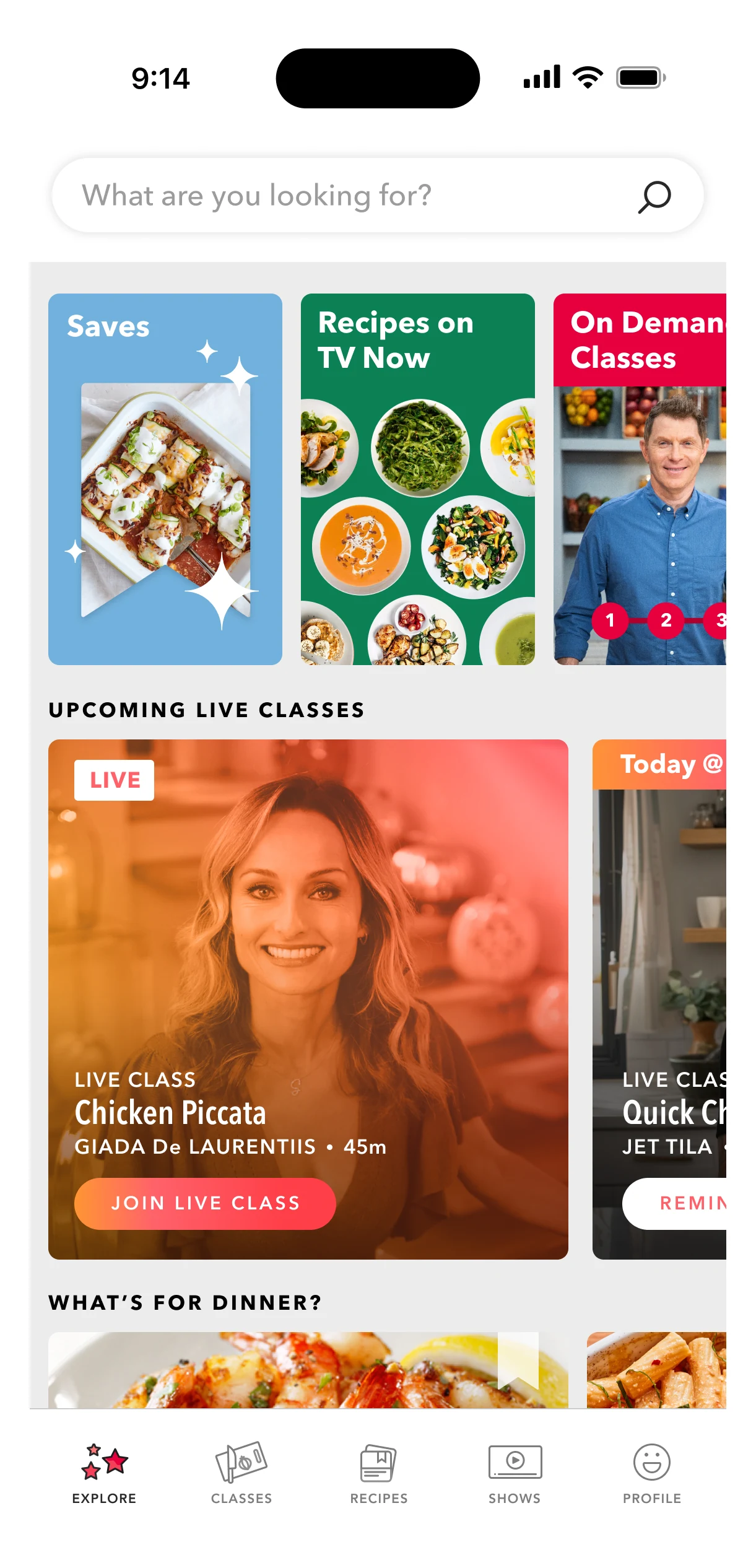
After the launch of Food Network Kitchen, a longitudinal user research study uncovered a gap: people needed help turning recipes into grocery needs and organizing what they wanted to cook throughout the week.
Two connected features extended the experience beyond recipes and cooking classes. Meal Planning helped people decide what to cook. Shopping List helped them get what they needed.
Some people start with a schedule. Others start with a recipe that catches their eye. A week-long design sprint produced early concepts for user testing, and the feature evolved through testing and development to support both approaches.
Onboarding
A little guidance. A useful first step.
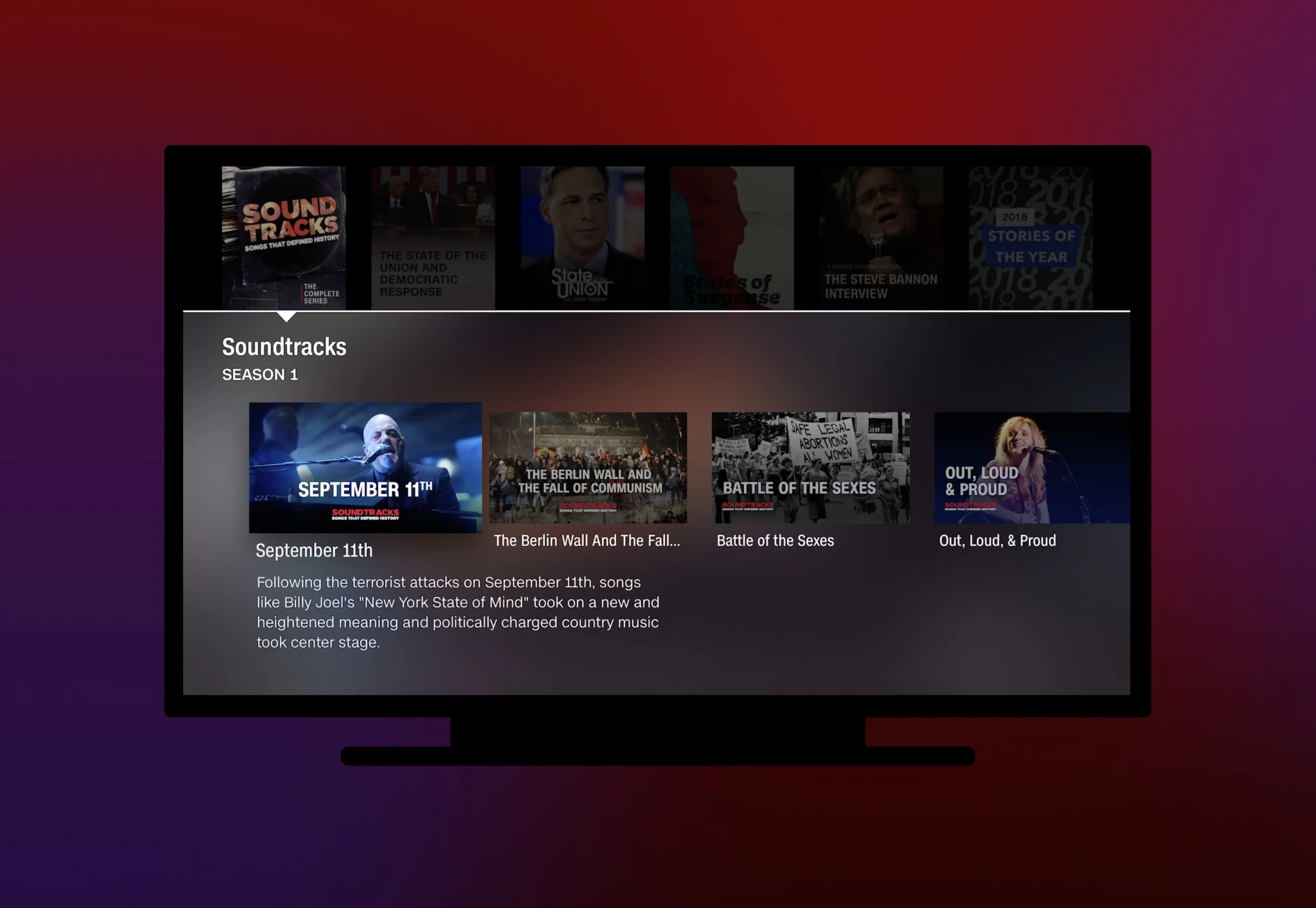
Short walkthroughs introduce Shopping List and Meal Planning, showing people how to organize ingredients, discover meal plans, and get started.
Shopping ListMeal Planning
Empty State
A clear place to start.
Helpful prompts turn an empty screen into a next step. Shopping List suggests everyday ingredients, while Meal Planning points people toward curated plans to explore.
Shopping ListMeal Planning
Recipe page actions
From a recipe to a plan.
Add ingredients to a shopping list or schedule a recipe in a meal plan, right from the recipe page. Both actions help turn inspiration into the next meal.
Add recipe ingredientsAdd a recipe to a plan
Shopping List
From recipes to ready-to-shop.
Turn recipe ingredients into an actionable grocery list, organized by category or recipe. Add, edit, and check off items with ease, connecting meal inspiration to everyday grocery shopping.
Two ViewsAdd an itemInline EditingCross off an item
Meal Planning
Turning inspiration into a plan.
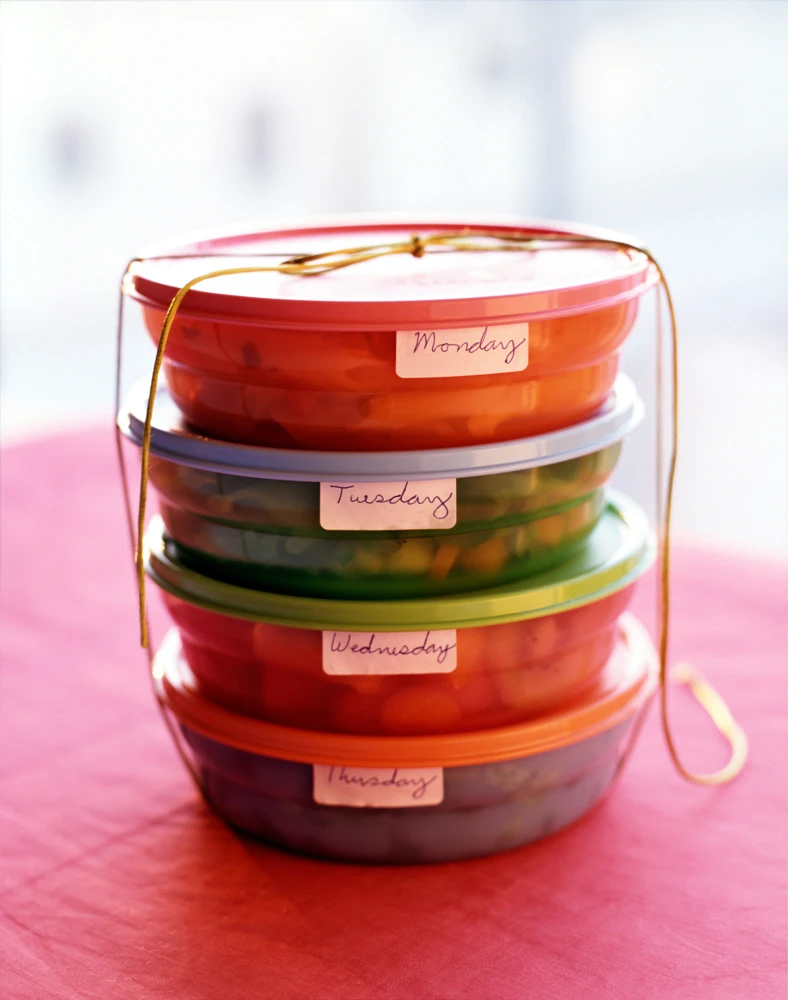
Discover curated meal plans, explore recipes, and organize meals for the week ahead. A flexible planning experience that helps home cooks move from finding inspiration to deciding what to make.
Browse and My PlanBrowse Curated PlansScheduleMeal Plan Recipes
The impact
A reason to return. A reason to subscribe.
Shopping List encouraged repeat engagement, while Meal Planning drove subscription growth and adoption. Together, the features helped Food Network Kitchen become part of everyday food planning.
Shopping List
3x weekly
Repeat engagement with Shopping List
Meal Planning
30% Lift
In paid subscriptions with Meal Planning
Meal Planning
46%
Increase in active meal planners in a single day following a targeted in-app promotion
App Store Review
“I've tried a lot of free and free-to-try meal planning/cooking applications. This is the only one I've actually paid for, because I thought it was worth it. The software is stable, easy to use, it has some great recipes.”
App Store Review
“Like everyone else, can’t wait for things get back to normal. The reason I see most of it on demand is because of timing, but there’s not a day I’m not on it. I have made soooooo many recipes and love the new things like the shopping list and meal planner. Thank you.”